Key takeaway: An online store can become a manufacturer's most profitable channel, but only if it is built like a store and not like a catalog with a cart bolted on. Decide how it fits next to your dealers, make the product page do the selling, keep checkout short, and use bundles, delivery offers and search to grow the average order.
More manufacturers open their own online store every year. Some do it to stop depending on one big distributor. Some want better margins. Some simply see that their buyers already search for the product online and land on a reseller instead.
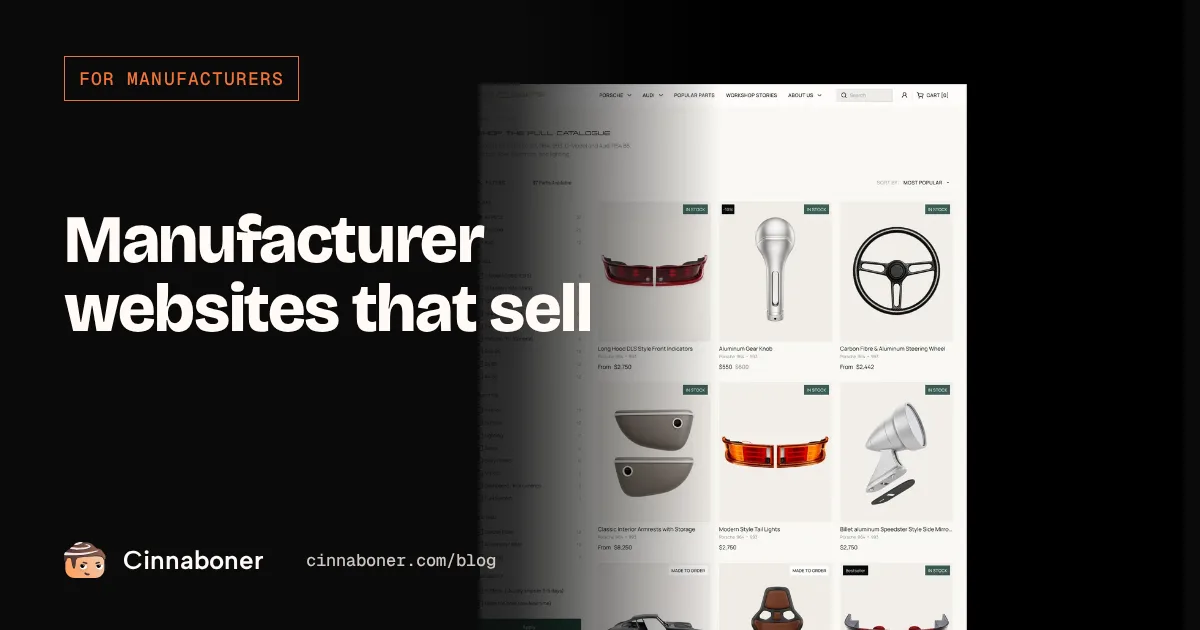
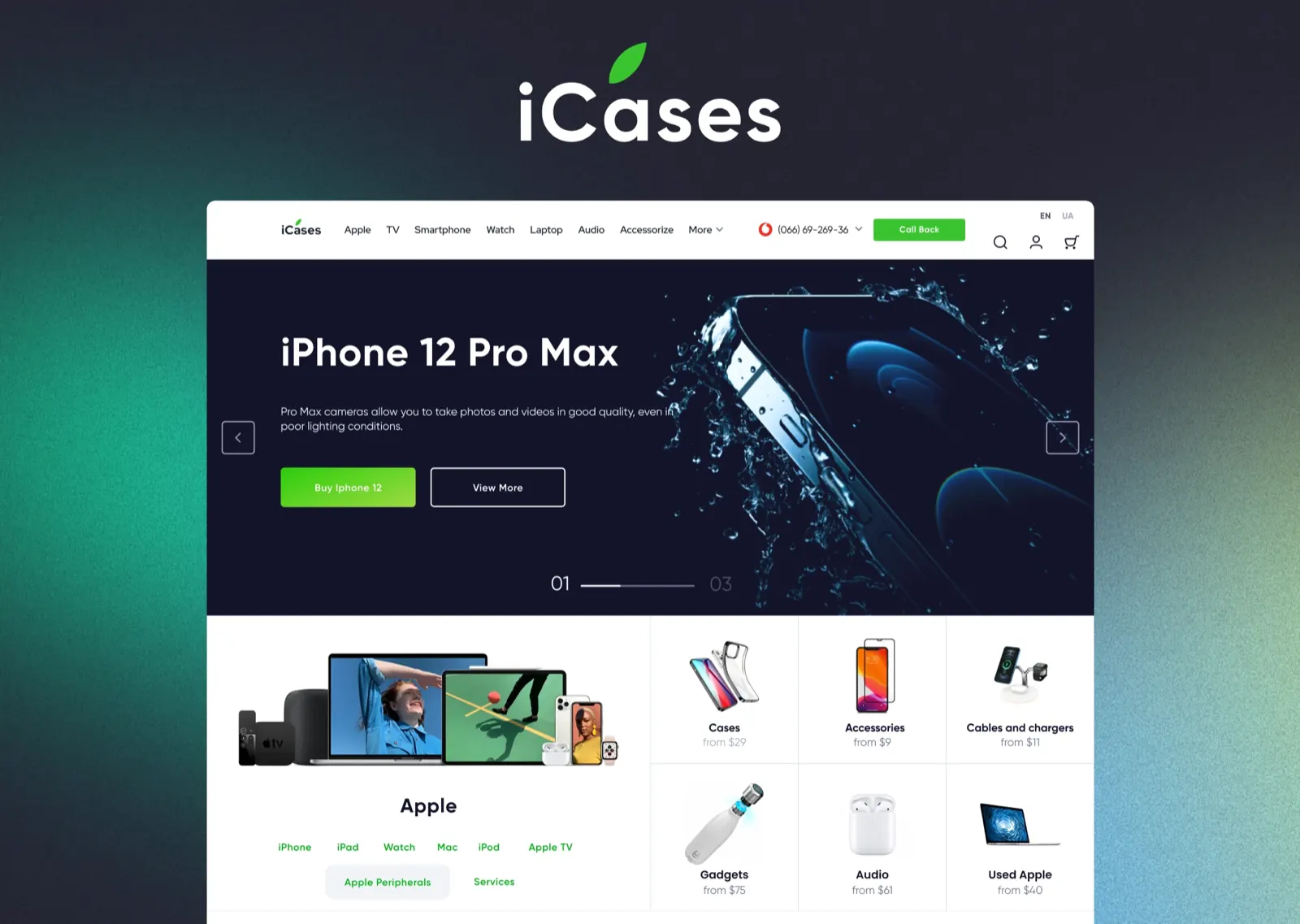
This is how we design e-commerce for manufacturers and product brands at Cinnaboner, with examples from three stores we built: iCases, an online store for premium phone accessories, Dnipro Contact, a paint manufacturer, and OCParts, a maker of classic Porsche parts. For the bigger picture of what a manufacturer site needs, start with our guide to website design for manufacturers.
Should a manufacturer sell online at all?
Not every product belongs in a cart. A simple test: can a buyer choose the right item without talking to anyone? Paint, parts that fit a known model, accessories, furniture, food and cosmetics usually pass. Custom machinery, made-to-order components and anything that needs measuring or engineering usually do not. For those, a catalog with a quote form works better.
The second question is your dealers. A store does not have to fight them if you plan it:
- Keep the same prices as your dealers recommend, so you are not undercutting them.
- Show a dealer map next to "Buy online" for buyers who prefer a local shop.
- Sell what dealers do not stock: the full colour range, spare parts, accessories, limited editions.
- Send local B2B requests to dealers instead of keeping them.
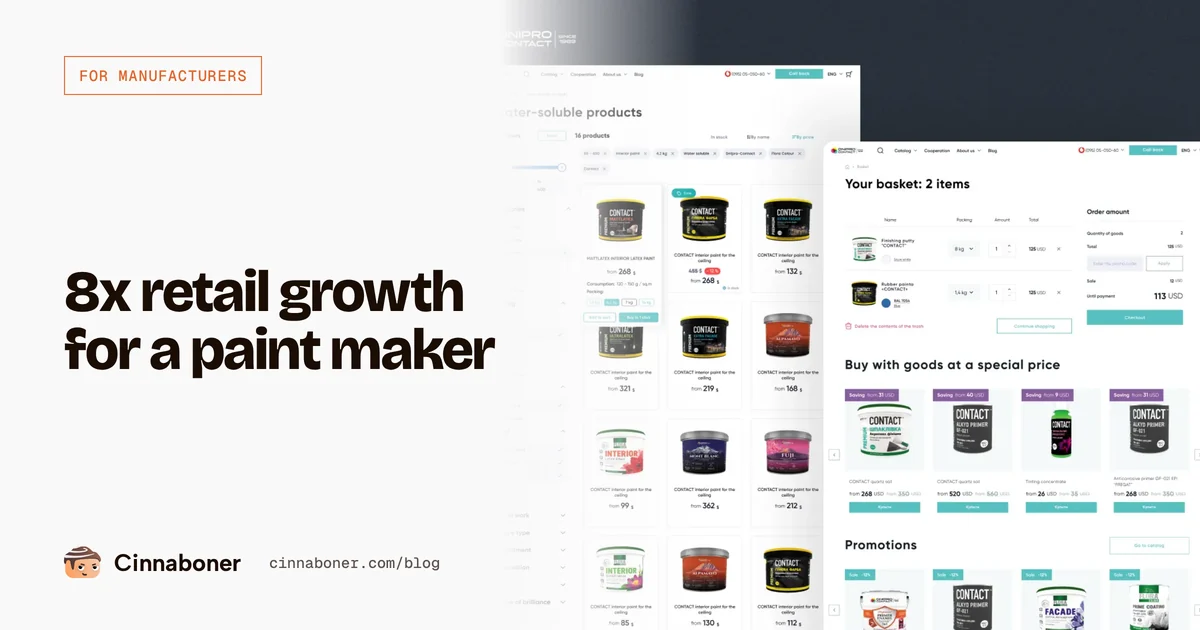
Dnipro Contact sold only through dealers before its own store opened. Today it sells in its own store, on large marketplaces and through dealers at the same time. In its second season online, retail turnover was 8 times higher than in the first. The full story is in how a paint manufacturer went direct to customers.
Choosing a platform
The platform matters less than people think. What matters is that your team can add products, change prices and run promotions without calling a developer.
| Option | Good for | Watch out for |
|---|---|---|
| Shopify | Fast launch, small to medium catalogs, selling abroad | Monthly fees and paid apps add up, limits on custom logic |
| WooCommerce | Brands already on WordPress, lots of content | Needs regular updates and good hosting |
| Local e-commerce platforms | Local payments and delivery services out of the box | Fewer ready-made integrations for other markets |
| Custom build | Complex catalogs, B2B prices, ERP links | Higher cost, you depend on the developers |
iCases and Dnipro Contact both run on a local e-commerce platform that connects easily to delivery services and payment systems used in Ukraine. For a brand selling in Europe or North America, Shopify is usually the fastest start.
The product page does the selling
In a physical shop a salesperson answers questions. Online, the product page has to do it alone. On iCases we designed every product page around the questions people ask in the shop:
"Will it fit my phone?" Colour and memory options sit right next to the photo, and the catalog has a separate page for every phone model, so the buyer only ever sees accessories that fit.
"What else do I need?" A "Kit cheaper" block offers the phone with a case, a screen protector and a charger at a lower price than buying each item. Extra protection and an extended warranty are checkboxes right under the price.
"How fast can I get it?" Stock status, delivery options and a "Buy in 1 click" button sit above the fold, for people who already know what they want.

For a manufacturer the same logic works with your own products: show what fits together, offer the set at a better price, and answer the "will it fit" question before it is asked. Great photos make all of this work. See how to create product photos for 1,000 items without a studio.
Checkout without friction
Most lost sales happen after "Add to cart". Three rules we follow on every store:
Few steps, all visible. On iCases checkout is three short steps: contacts, delivery, payment. The buyer always sees where they are and what is left.
No forced registration. New buyers check out as guests. Returning customers sign in with one click through Google, Facebook or Apple.
No surprises at the end. Delivery cost and the free delivery threshold are shown in the cart, not on the last step.

Thinking about your own online store?
Send us your site. We will tell you whether a store makes sense for your product and what it would take to launch it.
Grow the order, not just the traffic
Getting a visitor is expensive. Getting a bigger order from someone already in the store is cheap. The tools that work best for product brands:
- Sets and bundles. Products that are used together, sold together at a small discount.
- A free delivery threshold. iCases offers free delivery on accessories from a set order value, which nudges buyers to add one more item.
- Trade-in. iCases lets people exchange an old phone for a discount on a new one. For a manufacturer this can be "bring back the old part, get a discount on the new one".
- Bestsellers and "bought together". Simple blocks on the home page and in the cart that show what other people buy.

Marketplaces next to your own store
Marketplaces bring buyers who would never find your site. Your own store brings margin, customer data and repeat orders. Most brands need both. Dnipro Contact sells on the largest Ukrainian marketplaces and in its own store, and the store is where the brand, the full range and the best offers live.
One rule: keep product names, photos and descriptions the same everywhere. Buyers often check a marketplace first and the brand site second, or the other way round.
Marketing that feeds the store
A store without traffic is a warehouse. Plan these from the first day:
Search. A category page for every popular search: by model, by use, by material. iCases has a separate catalog page for every iPhone, iPad and Apple Watch model, because that is exactly how people search.
Product feeds. Clean feeds for Google Shopping, Meta and marketplaces, generated from the same catalog.
Social and content. Show the product in use. For OCParts, new content built around the parts on real cars added over 10,000 Instagram followers in three months, more than 70% of them organic. See the OCParts case study.
AI search. Product pages with real text, specs and FAQ get quoted when buyers ask ChatGPT or Gemini what to buy. More in AI-ready product pages.
Launch checklist
- Decide which products go online and how prices relate to dealer prices.
- Prepare photos, descriptions and specs for every product before design starts.
- Group the catalog the way buyers search: by model, use or size.
- Design the product page first, then the rest of the store.
- Plan sets, add-ons and a free delivery threshold.
- Keep checkout to three steps with guest checkout.
- Connect payments, delivery services and order notifications.
- Set up analytics for add to cart, checkout and purchase.
- Create product feeds for Google Shopping, Meta and marketplaces.
- Write category pages and FAQ for search.
- Agree who answers questions and how fast.
- Plan the first three months of content and promotions.
Before you ask
If buyers can choose the right product without advice, yes: your own store adds margin, customer data and repeat orders. Keep prices in line with dealers, show a dealer map next to the buy button, and sell the full range that dealers do not stock.
Shopify is the fastest start for small and medium catalogs and selling abroad. WooCommerce suits brands already on WordPress. Local platforms are convenient for local payments and delivery. Complex catalogs with B2B prices and ERP links usually need a custom build.
Not if you plan it. Use the same recommended prices, send local B2B requests to dealers, show where to buy offline, and focus the store on products and colours dealers do not carry.
A store built to sell, with a catalog, product pages, checkout and SEO basics, starts from around $5,500. A full launch with new brand, packaging, photos and content starts from around $12,000. Large catalogs with integrations usually start at $35,000.
Category pages for the searches people actually make, clean product feeds for Google Shopping and marketplaces, social content that shows the product in use, and product pages that AI assistants can read and quote.
Open a store that actually sells
Book a 30-minute call. We will look at your products and channels and tell you what a store would cost and how long it would take.