Key takeaway: AI product photography lets manufacturers reshoot 120+ SKUs in days instead of weeks, at a fraction of traditional studio cost — but it works best for catalogue-grade imagery, not hero creative.
You have 120 SKUs. Your distributor wants updated photography by next quarter. Your last shoot, in 2019, cost $14,000 and ate six weeks of factory floor time. The quote you just got back is worse.
Most manufacturers we talk to are stuck here. The catalogue is alive - new sizes, new finishes, regulatory copy that changed twice this year - and the photo budget is a museum exhibit.
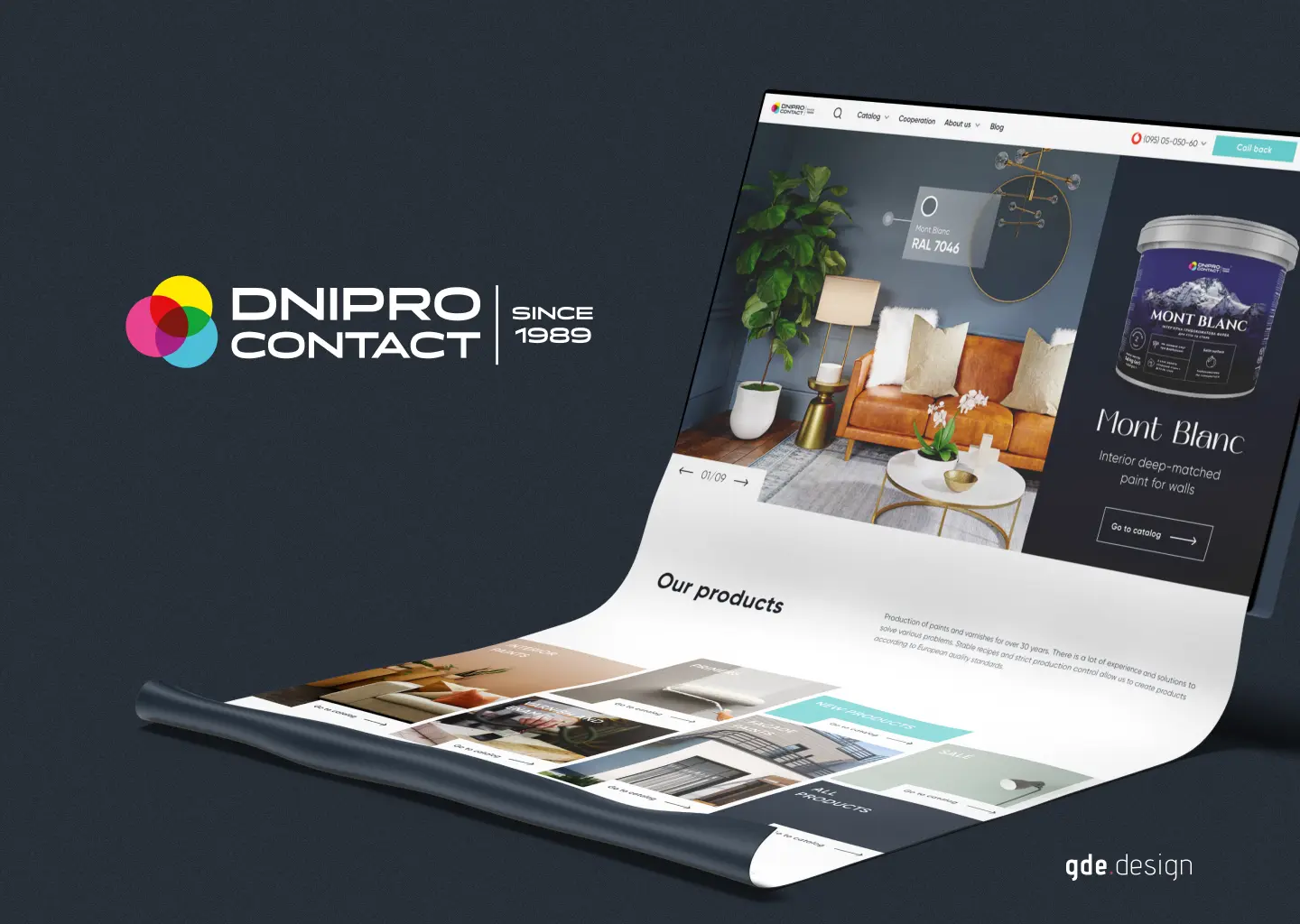
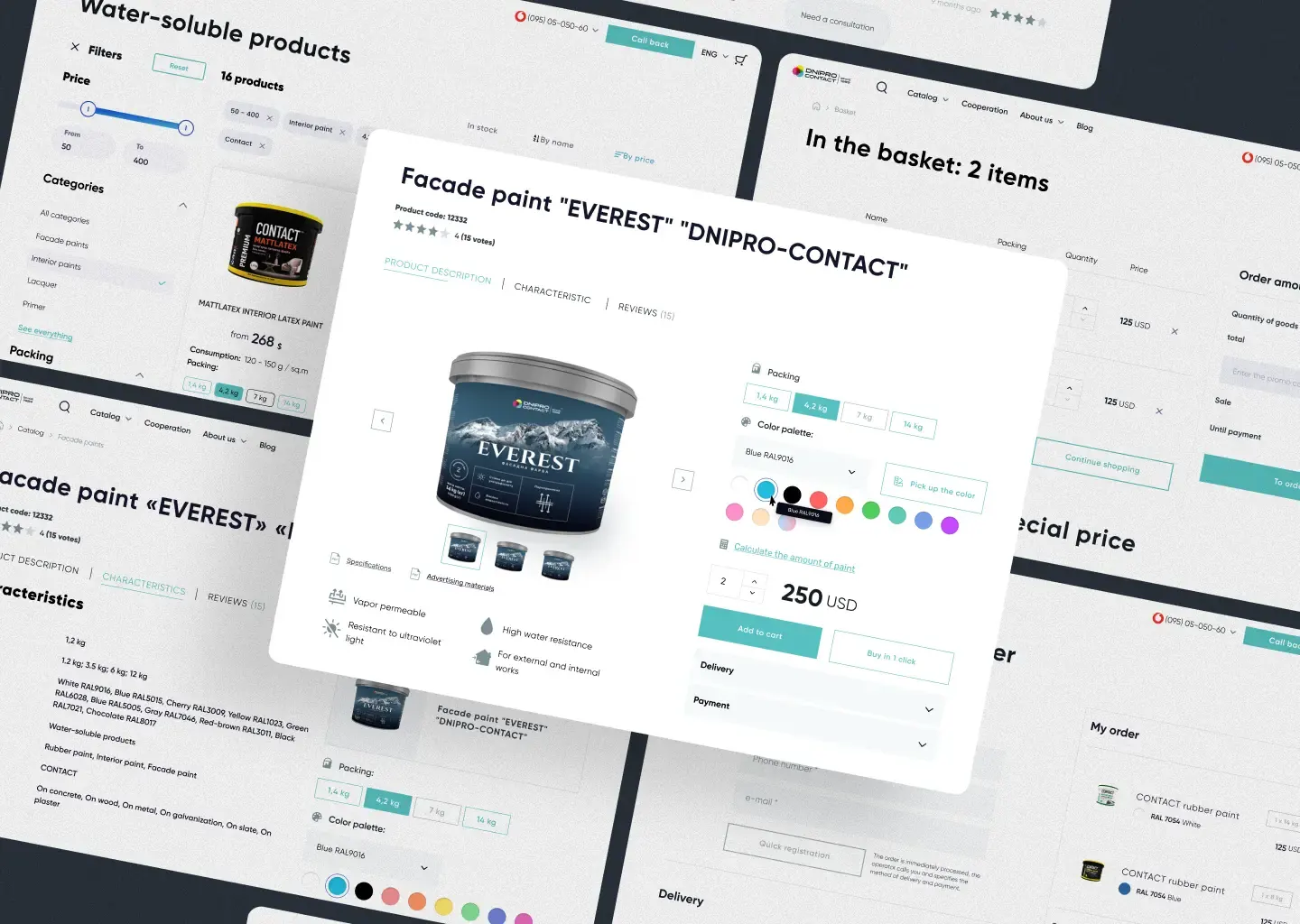
We rebuilt this for Dnipro Contact, a Ukrainian paint manufacturer running since 1989 with 100+ SKUs across interior, exterior, primer, and specialty lines. Not with a single AI tool. With a system. This piece walks through the math, the consistency trap, and the rollout we now reuse.
The math that broke traditional product photography for manufacturers
Studio photography for a 100+ SKU catalogue is not slow because anyone is lazy. It is slow because the unit economics are brutal.
A standard product shot from a mid-tier commercial studio runs $40 to $150 per image. Add lifestyle and contextual shots and you double that. Each SKU usually needs 4 to 8 images: front, back, side, lid off, in-context, scale shot, plus packaging variants. That is 400 to 960 images for a 120-SKU range. Even at the low end, you are at $16,000. At the high end, $144,000.
Time is worse. A studio day produces 8 to 20 hero shots if the team is sharp. Variations of the same SKU are faster, but transit, sample prep, and reshoots slow everything down. Three to fourteen days per shoot is the honest range. For a paint manufacturer, that means pulling 100+ tins off the line, shipping them, then re-shipping when the brand team spots a label revision in image 47.
Reshoots are the real killer. Every catalogue we have audited has 15 to 30% of images that no longer match current packaging. The label moved. The cap colour changed. The compliance icon got bigger. Each reshoot is full price.
This is the problem AI product photography for a manufacturer actually solves. Not "make it look fancier." Make the catalogue keep up with the factory.
Why AI alone is not enough - the consistency trap
Most manufacturers we meet have already tried an AI photo tool. They open Photoroom or Claid, drop in a tin shot, get a clean cutout, and feel briefly invincible. Then they generate the next 40 SKUs and the catalogue looks like it was photographed by 12 different freelancers in 12 different basements.
This is the consistency trap, and it has three layers.
Lighting drift. Each AI generation picks a slightly different angle, shadow softness, and colour temperature. Across 100 SKUs the eye reads it as chaos. On a retailer planogram next to competitors, you look amateur.
Brand drift. AI tools love to "improve" your packaging. They smooth edges, brighten labels, restyle reflections. Your CMYK red becomes a cheerful sRGB pink. Compliance copy gets blurred. Legal will not sign off.
Family drift. Your interior latex line and your exterior enamel line should feel like cousins, not strangers. Tools that score one SKU well in isolation almost always fail across the family.
Naively dropping in an AI tool produces demo-quality images. They look great in a deck. They fall apart on a 6,000-pixel retailer feed. The fix is not a better prompt. It is a system that constrains the AI to your brand, your grid, your families, and your regulatory copy. That is what we build.
The system we built for Dnipro Contact
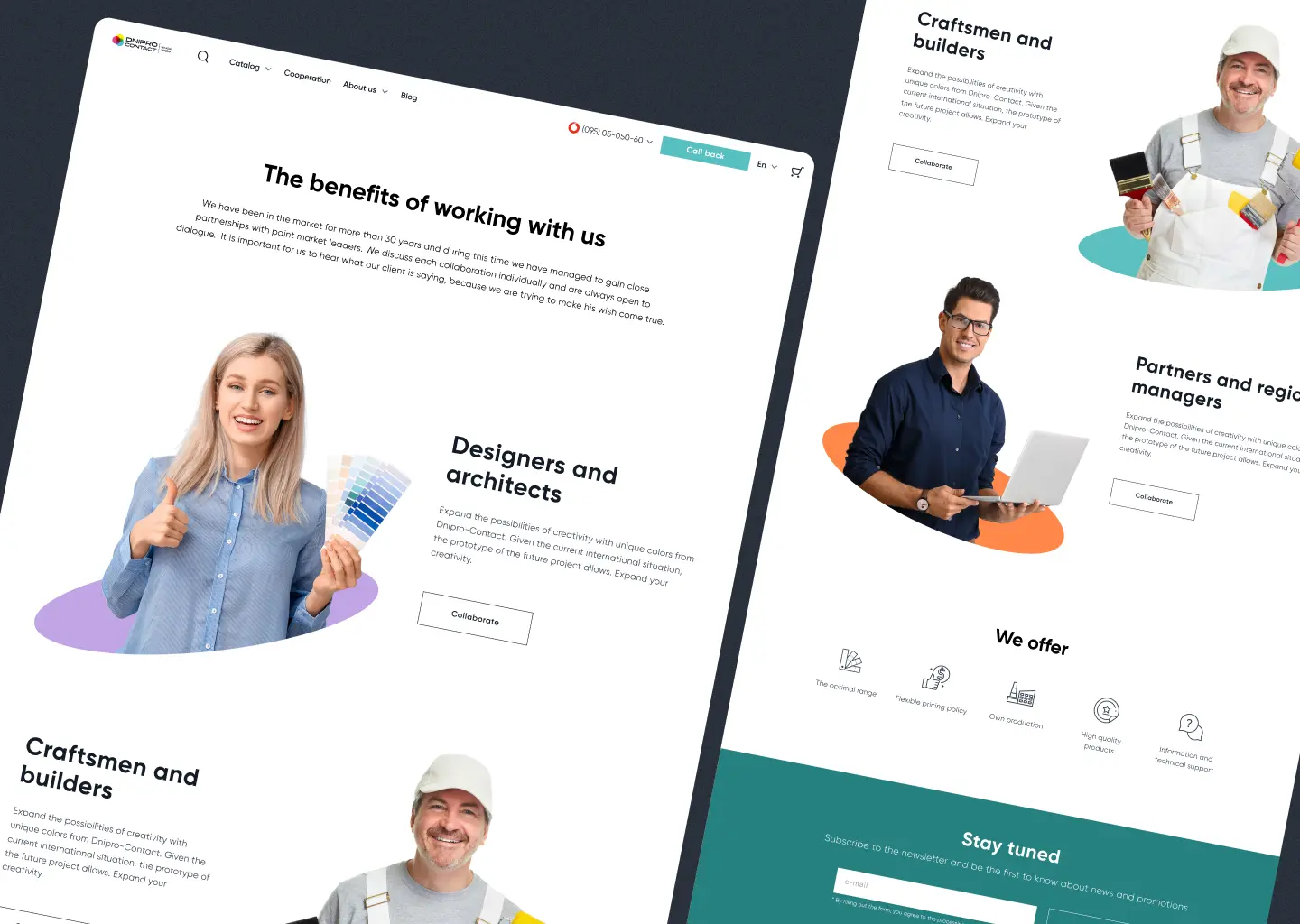
Dnipro Contact wanted a digital brand launch, not just photos. We shipped the brand system, packaging, e-commerce, 3D mockups, colour tools, and a litres-per-room calculator together. The full case is in our digital brand launch for manufacturers writeup. The photography piece sits inside that.
The system has four pieces.
Master grid. One canonical composition: angle, distance, shadow direction, floor reflection, crop margins. Every SKU gets generated against the same grid. Retailer feeds, the e-commerce store, and the sales deck all draw from this grid.
Family colour anchors. We locked CMYK and screen values for each product family - interior, exterior, primer, specialty. The AI never picks a red. It pulls the locked red. Same for cap colour, label background, and accent stripes.
Reusable styles. Hero, lifestyle, scale-with-roller, in-context wall. Each style is a stored prompt plus reference image set. Generating SKU 87 in "lifestyle" mode is one click, not a creative session.
3D mockups for sales pitches. Not all images go on the website. The sales team pitches builders and distributors with 3D renders that show the tin in context: on a shelf, in a cart, beside a colour swatch wall. AI generation plus a 3D base model makes these reusable per channel.
The result: a 100+ SKU range refreshed in days, not months, and consistent across every surface.
Got 100+ SKUs that need photos by Friday?
We build the system, generate the catalogue, and hand you a brand-locked image library. No studio bookings, no factory floor disruption.
Tool landscape 2026: what each is for, where they fail
There is no single best tool. There are tools that do one job well and lie about the rest.
Nightjar. Strong on hero shots and lifestyle context generation. Good prompt control, decent brand-locking with reference images. Falls down on CMYK accuracy and on packaging copy - text on labels comes out fuzzy at print resolution. Use it for marketing surfaces, not for retailer print feeds.
Claid. Built for e-commerce. Excellent background replacement, batch processing, retailer-spec resizing (Amazon, Shopify, Ozon, Rozetka). Weak on creative composition - it cleans, it does not invent. Use it as the last-mile cleanup tool after a Nightjar or Photoroom generation.
Photoroom. Best in class for cutouts, mass batch processing, and shadow consistency. Phone-friendly. Where it fails: anything that needs scene-level intelligence, like a tin sitting next to a paintbrush on a workbench. The cutouts are clean. The compositions are flat.
Midjourney and Sora-class image models. Useful for hero campaign imagery and lifestyle scenes that have no real product in them. Useless for accurate product reproduction - they will hallucinate your label, your cap, your compliance icons.
The mistake we see manufacturers make: picking one tool and trying to make it do everything. The mistake we see agencies make: bouncing between five tools without a system that locks brand state across them. Both produce drift.
The right answer is two or three tools, each doing what it does best, all constrained by your master grid and family anchors.
Production-ready vs demo-quality: what AI tools forget
A demo-quality image looks great on Instagram. A production-ready image survives a retailer print catalogue, a distributor's tender pack, and a regulatory audit. The difference is in the boring stuff.
CMYK accuracy. AI tools generate in sRGB. Retailers and print catalogues run CMYK. Without a colour-managed pipeline, your brand red shifts on press. Fix: every export goes through a CMYK soft-proof step before it ships.
Die-cuts and packaging structure. A tin has a real lid seam. A pouch has a real gusset. AI smooths these into nothing. For categories where structure sells (rigid packaging, tamper-evident closures), you need a 3D base layer that the AI dresses, not invents.
Regulatory copy. Hazard symbols, batch codes, certifications, multi-language ingredient lists. AI tools garble all of it. Fix: regulatory copy is composited in post from production-ready label files, not generated.
Resolution and metadata. Retailers require 6,000 pixels long edge, sRGB or CMYK depending, with embedded metadata for SKU, EAN, and version. AI exports rarely meet this. Build the export step into the pipeline.
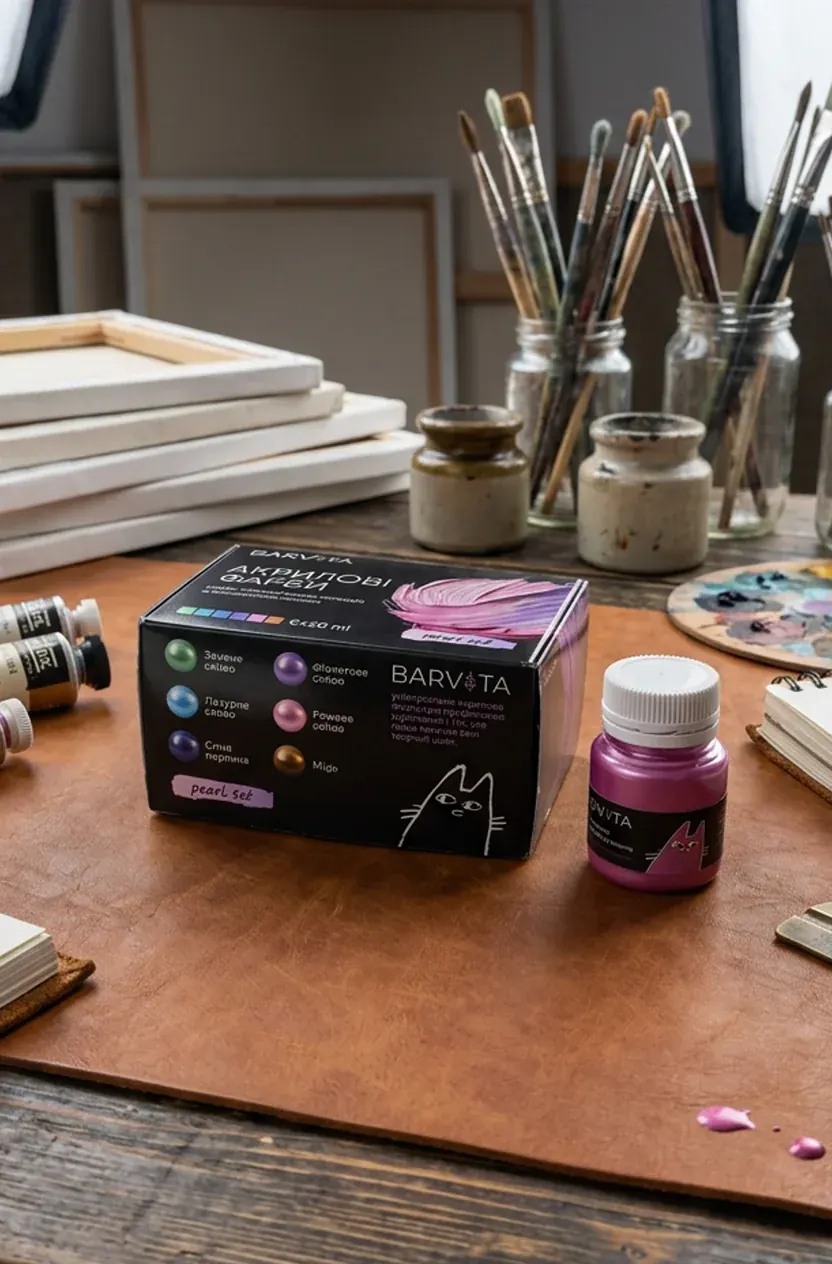
This is the work that separates a $200 freelance batch from a catalogue your largest distributor will accept. AI does the heavy lifting. The system catches what AI forgets. We learned this the hard way on Dnipro Contact, then again on Barvita, the cosmetics line we shipped with a modular SKU system.
The 5-step rollout for a 100+ SKU catalogue
This is the rollout we run. Eight weeks end-to-end for a typical 100+ SKU manufacturer, faster if your brand assets are already clean.
Step 1: Brand audit and asset lockdown (week 1). Pull every label artwork file, every brand colour spec, every regulatory copy block. If it is not in one place, it does not exist. Most manufacturers lose a week here. Plan for it.
Step 2: Master grid and style sheet (week 2). We design the canonical composition: angle, lighting, shadow, crop. We design 3 to 5 style variants - hero, lifestyle, scale, in-context, retailer feed. Sign-off from brand and sales together. No going back after this.
Step 3: Reference shoot (week 3). Yes, you still shoot. One day. 8 to 12 hero SKUs across the family spread. These become the reference set the AI locks against. Without real reference, the AI drifts.
Step 4: Generation and batch processing (weeks 4 to 6). AI generation against the master grid, family anchors, and reference set. Batch cleanup in Claid. CMYK soft-proof. Regulatory copy composite. Each SKU produces 4 to 8 final images.
Step 5: Catalogue integration (weeks 7 to 8). Push to e-commerce, retailer feeds, sales deck templates, 3D mockup library. Set up the regeneration workflow so next quarter's 12 new SKUs slot in without rebuilding the system.
This is not faster than buying a SaaS subscription. It is faster than the next three years of reshoots, and it is the only path we have seen produce a catalogue manufacturers can actually trust.
FAQ
How much does AI product photography for a manufacturer actually cost? A full system build for a 100+ SKU catalogue runs $18,000 to $45,000 depending on category complexity, regulatory load, and 3D mockup needs. After that, per-SKU regeneration drops to roughly $8 to $25 instead of $40 to $150. The system pays back inside the first catalogue refresh.
Can we just use Photoroom and skip the agency? For a 10-SKU range with simple packaging, yes. For 100+ SKUs across families, no. The tool is fine. The system around the tool is the work. Without master grid, family anchors, and regulatory pipeline, you get drift inside three months.
Will retailers accept AI-generated product photography? Most do, including Amazon, Rozetka, Ozon, and the major European DIY chains we have shipped to. The rule is honesty: the product must look like the product. Hallucinated improvements (smoother caps, brighter labels) get flagged. A locked brand pipeline avoids this.
What about lifestyle and in-context shots? AI is strongest here. Generate the kitchen, the workshop, the building site, then composite the real product in. Cheaper, faster, and more flexible than booking locations and models. We do this on every manufacturer build now.
How do we keep the catalogue consistent when new SKUs ship every quarter? The system. New SKU comes off the line, label artwork drops into the asset folder, the regeneration workflow produces 4 to 8 images locked to the grid. No new shoots, no new prompts, no new drift. This is the part most manufacturers underestimate at kickoff.
Do we still need a photographer? Yes, for the reference shoot in week 3, and for a half-day refresh once a year. Without real reference, AI drifts. With it, the system holds for 12 to 18 months between resets.
Related reading
If you are building a full digital launch alongside the catalogue, our digital brand launch for manufacturers piece walks through the Dnipro Contact build end-to-end. For physical product brand and packaging system work, see manufacturer product branding and ecommerce. And if you are not sure where your current presence is leaking, the digital presence check for manufacturers is the right starting point.
Make your catalogue shoot itself.
Book a 30-minute call. We'll audit your current SKU library and quote a system that turns your next reshoot into a regeneration.