Key takeaway: Most early-stage backend work — webhooks, data pipelines, CRUD APIs — can be replaced by Make, n8n, or Apify at a fraction of the cost, with a custom backend only justified when you hit their ceiling.
Most of what people hire junior backend engineers to build does not need a backend engineer. It needs Make, n8n, Apify, or Zapier, a Google Sheet, and an hour of setup time. We have built enough of both to know where the line is.
Here is the decision tree we use to figure out whether a client actually needs a backend, or whether they just think they do.
The pattern that does not need a backend
The majority of "backend" requests we get from early-stage founders follow a shape. Take data from somewhere. Transform it lightly. Put it somewhere else. Maybe run it on a schedule. Maybe trigger it from a webhook. Add a notification.
Lead capture from a landing page to a CRM with a Slack ping. Competitor blog monitoring. Webform to Stripe invoice. Form to Notion. Form to Airtable to email. Contact form with email routing by department. These are not backend problems in 2026. They are automation problems, and the automation tools are excellent.
If your requirements read like "when X happens, do Y, maybe check Z first," you are describing a Make scenario, not a Node application. The build takes hours. The running cost is $30 per month. Alternative: a junior developer at $8,000 per month writing Express routes and maintaining a server. The math is not close.
When you actually do need a backend
Four conditions that mean you need real code on a real server.
Real-time state. Anything where two users need to see the same thing change as it happens. Collaborative editing. Live dashboards with sub-second updates. Multiplayer anything. The automation tools work on a trigger-response model. They cannot hold open sockets.
Complex auth. Role-based access control with more than two roles. Row-level permissions. SSO integration with enterprise identity providers. Audit logs with legal weight. You can fake the first two with no-code for a while. You will regret it by the fourth customer.
Data beyond ~50k rows. Google Sheets stops being acceptable as a database somewhere between 30k and 100k rows depending on how much you are reading from it. Airtable holds up longer but charges for it. Past that, you need a real database and therefore a real backend to talk to it.
Regulated data. HIPAA, SOC 2, PCI, GDPR with teeth. The no-code tools have compliance stories. They are not as airtight as rolling your own with a security-aware team. For Securosys and clients like them, this is table stakes.
If none of those four apply, you do not need a backend yet.
Three real recipes
Recipe 1: Lead capture to CRM to Slack or email.
Form submits to a webhook URL. Make catches the webhook. Make splits the payload — writes a row to Airtable or HubSpot, fires a Slack message to the sales channel, sends a templated email to the lead with a calendar link. Total build time: under two hours. Monthly cost: around $10 on Make's Core plan, depending on volume.
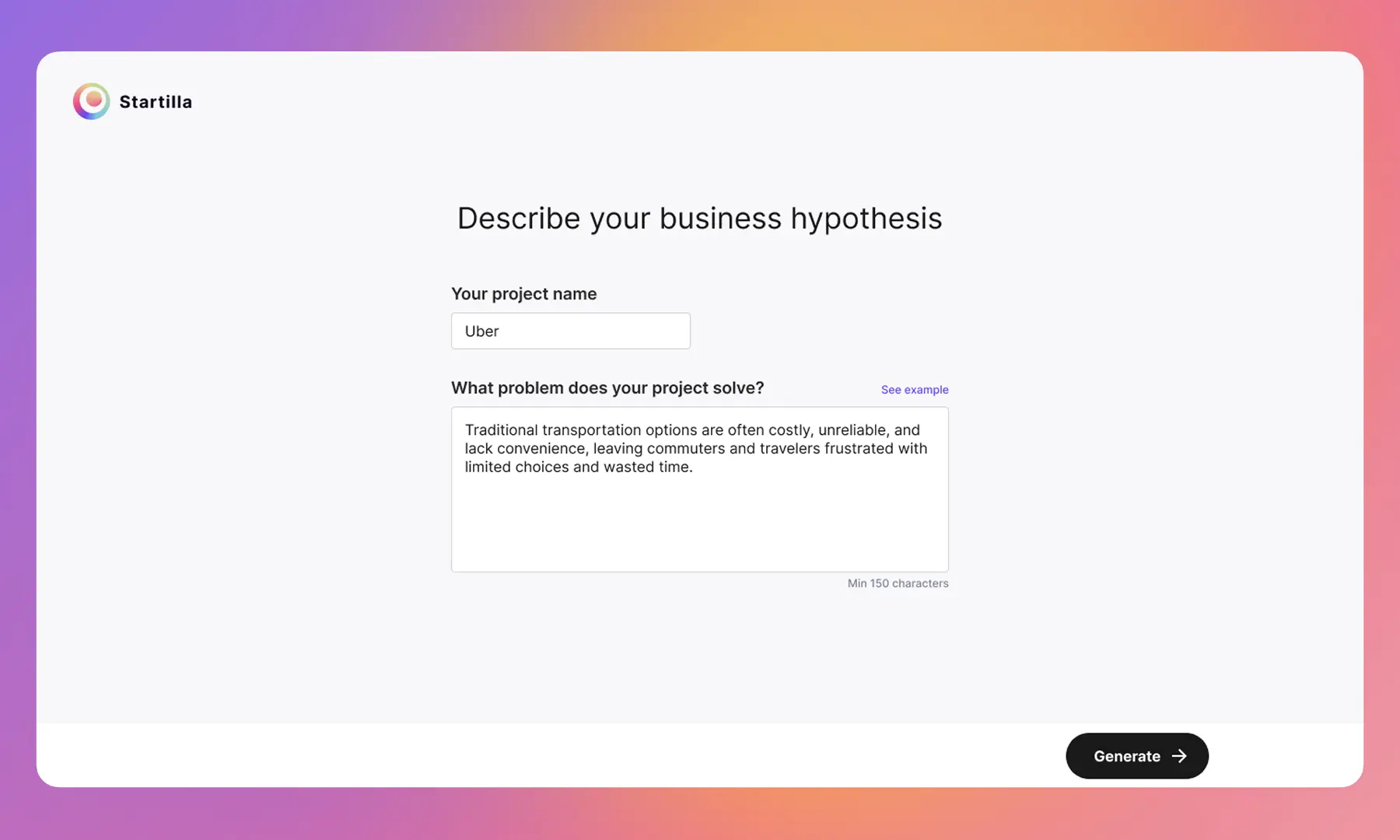
This is what our AI Business Analyst uses. The /api/leads route in the Express app receives the capture, validates, and forwards to MAKE_WEBHOOK_URL. Everything downstream of that webhook is a Make scenario. The product itself does not talk to HubSpot, Gmail, or Slack. Make does. If we want to add a step — say, enrich the lead with Clearbit before it hits the CRM — that is a five-minute change in Make, not a deploy.
Recipe 2: Apify scrapes a competitor blog, Claude summarises, Notion digest every Monday.
Apify actor runs on a weekly schedule. It hits your list of competitor blog URLs and pulls titles, publication dates, and first paragraphs. Webhook fires to Make. Make passes each post through a Claude API call with a summarise-and-tag prompt. Make writes the structured summary to a Notion database. Optional: second scenario fires Monday morning to send a digest email of that week's entries.
Build time: around four hours, most of it writing the summarisation prompt well. Running cost: Apify usage, a small Make subscription, and Anthropic tokens. For most teams, under $40 per month.
Recipe 3: Webform to Stripe invoice.
Client fills a custom invoice form with line items and client details. Webhook to Make. Make calls Stripe API to create the customer if new, then creates an invoice with the right line items. Stripe sends the invoice email. Make writes the invoice ID back to an Airtable record and pings your team in Slack.
Build time: three hours if you have not done it before, one if you have. The only tricky part is tax handling, which depends on your jurisdiction and may require a Stripe Tax or Avalara integration. For a small studio or solo consultancy, this replaces a QuickBooks automation you were never going to set up.
Not sure if you need a backend or an automation?
Send us the shape of your problem. We'll tell you which way to go — and quote whichever is actually right.
Make vs n8n vs Apify vs Zapier
All four tools are in the same space but solve different problems.
| Tool | Best at | Pricing shape | When to pick |
|---|---|---|---|
| Zapier | Simple two-step automations between mainstream SaaS apps | Per-task, expensive at scale | Quick internal stuff, team is non-technical, integrations list matters more than logic |
| Make | Multi-step scenarios with branching, iteration, and data transformation | Per-operation, cheap at scale | Most automation builds. Complex logic, solid visual editor, good error handling |
| n8n | Self-hosted workflows with full control, custom code steps | Self-hosted free, cloud starts cheap | When you want to run on your own infra, or need code nodes, or have compliance that rules out third-party processing |
| Apify | Web scraping and browser automation at scale | Per-usage, pay for compute | Anything involving pulling data from websites that do not have APIs. Everything else in the scraping space is worse |
Rough rule: Zapier for non-technical team members running simple flows. Make for most production automation. n8n when you need self-hosting or you want to write code inside your workflows. Apify for anything with a browser in the loop.
The Cinnaboner chatbot example
Our own site's chatbot does not have a backend database. It is a single PHP file, chatbot-api.php, that loads chatbot-content.json as company context and calls the Anthropic API. Rate limiting is done with a file-based counter in the system temp directory — 10 requests per minute per IP. Lead capture, when the conversation reaches the right turn, appends a [LEAD_CAPTURED] marker. The script strips the marker, saves the conversation to a local CSV, and posts to a Make webhook.
From there, Make handles the rest. It formats the conversation, extracts the email, writes to our lead tracker, and notifies us in Telegram. If we want to change how leads get routed — say, auto-reply with a Calendly link, or push to HubSpot — we edit the Make scenario. We do not touch the PHP.
This is what we mean by "thin glue." The PHP exists because the specific shape of the chatbot — streaming a system prompt, proxying Claude, handling CORS on our own domain — is cleaner in 50 lines of PHP than in a Make scenario. Everything else, Make handles.
When the automation stack stops being enough
You outgrow this stack when one of two things happens. First, your logic gets recursive or requires holding state across many concurrent runs — queues, long-running jobs, retries with backoff policies that are more than Make's built-in ones. Second, your operation count on Make starts costing more per month than a Hetzner VPS and a Node app.
Both are real thresholds. Neither happens at 500 users. Usually they happen between 5k and 50k users depending on how chatty your automation is. By that point you have revenue and you can hire the senior backend engineer you did not need to hire on day one.
What this means for you
Most founders overbuild their backend because it feels serious. It costs them three months and $20k they did not need to spend. If your product is fundamentally a workflow between third-party services, you do not need a backend. You need Make and a weekend.
If you are scoping an MVP and are not sure whether it needs a real backend or a careful automation build, drop us a line: hello@cinnaboner.com.
Skip the backend you don't need yet.
We'll ship the automation version and keep your runway for the things that actually matter.